
Nurture Agent takes an automated email you've already written and rewrites parts of it for each recipient, using CRM data and web research. You choose what information it can use and which sections stay untouched. It does the rewriting.
That's useful. But before you let it run, it helps to see what it looks like in a real email.
In our test, one version opened with "Hey J. Marlow," because that's how the name was stored in the CRM. A stray internal note that was already in the original email stayed in the personalized version too.
Neither made the email better. And both were easy to miss if all we checked was whether the personalization worked. An email can be personalized and still need work.
I still think you should try it.
If you're on Marketing Hub Professional or Enterprise, you already have it. It's a simple way to test whether personalization helps one of your nurture emails, without rebuilding the workflow or writing a version for every contact. Start with one email, see what changes, then decide whether those changes help.
How I'd test it on one email
Pick a published, non-transactional automated email that goes out regularly. Choose one you know well enough to notice when the meaning shifts.
Open the email, select Personalize with Nurture Agent, and work through these:
- Choose the data on purpose. Start with fields you trust and information that could make the email more useful. A job title might change which benefit matters. An unrelated activity probably adds nothing.
- Lock anything that has to stay exact. Prices, offer terms and approved language are good places to start.
- Preview different kinds of contacts. Pick someone with a complete record, someone with missing data, and someone whose name or company looks messy. You can preview up to 10 at a time.
- Read the whole email. The greeting, the claims, the flow and the ask. Don't stop at the highlighted changes.
- Check your credits, then start at 50%. That's HubSpot's default, and it leaves a group getting the original so you can compare.
HubSpot's setup guide covers each of these controls.
What I'd look for in the previews
Does the new detail give the reader a reason to care? "Congrats on the recent ORVA acquisition" shows the agent found something. Tying that acquisition to the problem your email solves would make it useful.
Is the email getting harder to read? In our tests, every personalized version came out longer than the original. One had five changes, and all five were additions. Read the original and the personalized version back to back, and decide whether the extra words earn their place.
Did anything awkward survive? Check names, company names and leftover text from the original. J. Marlow is a reminder to check what the agent starts with, too.
Can you fix what bothers you? In our test, we could change the data sources, lock sections and regenerate. We couldn't edit the generated version or give it writing instructions. If you need a specific change, that matters.
What your test will cost
Each personalized email uses 10 HubSpot credits. At the default 50%, an email sent to 1,000 contacts personalizes 500 versions and uses 5,000 credits.
Marketing Hub Professional includes 3,000 credits a month and Enterprise includes 5,000 under standard allocations. Other features can draw on those credits too, so check your account's balance before you start. Extra credits list at $10 per 1,000, about 10 cents per personalized email. (HubSpot's product catalog, October 2026.)
A small test can fit inside your included credits. A busy workflow can burn through them fast.
How to decide whether to keep it
Review the first sends in week one, then keep checking as more contacts go through. Don't wait a month to read them, because HubSpot only keeps the personalized versions for 30 days.
Compare clicks and the action the email is supposed to drive, whether that's a reply, a registration or a booked meeting. Check how many people got each version before you read much into a small difference.
And read the sent versions. Better numbers are great, but you still need to be comfortable with what customers received.
If the copy reads well, the results justify the credits, and automated emails are all you need, keep using it.
When I'd look beyond Nurture Agent
You might finish the test thinking, "I want to tell it what to write." Or, "This audience needs a different section, not another sentence." Or just, "I want this on next week's newsletter."
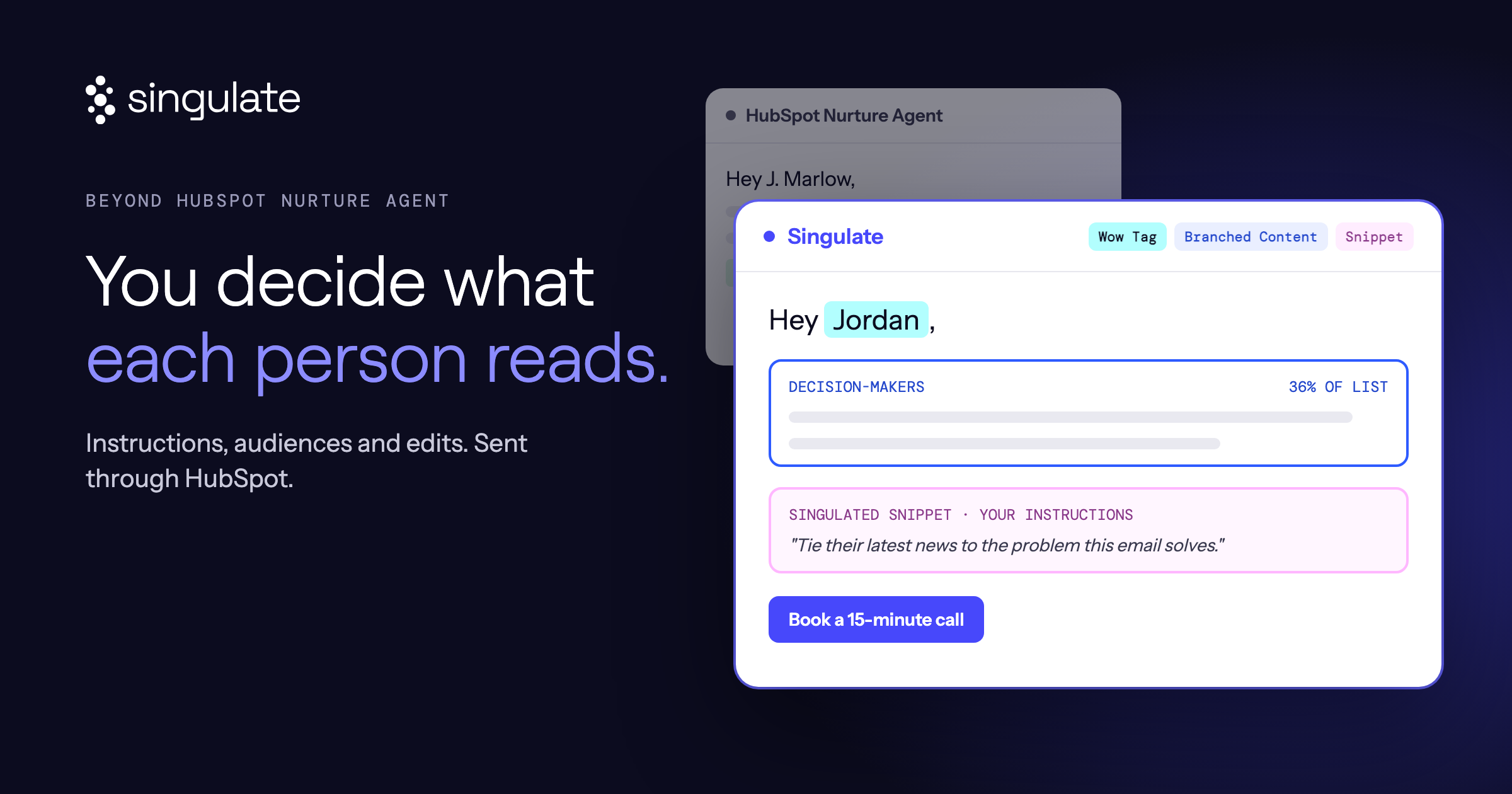
Those are the decisions Singulate lets you make. You write instructions for the personalized sections, give different audiences different content, and personalize one-off campaigns as well as workflows. Our full comparison walks through the differences.
Start with one nurture email. Preview it carefully. Run the test.
If you end up wanting more say in what each person receives, bring us that email. We'll show you what Singulate does with it.
 (5).png)